Workflows
Workflow terms
A workflow is a manageable entity which is used to audit any configured data transformation.
There are the following parts of a workflow:
Input and output DB configurations
The Input database marks the source of data and the output database defines where the transformed data will be written after a synthesis.
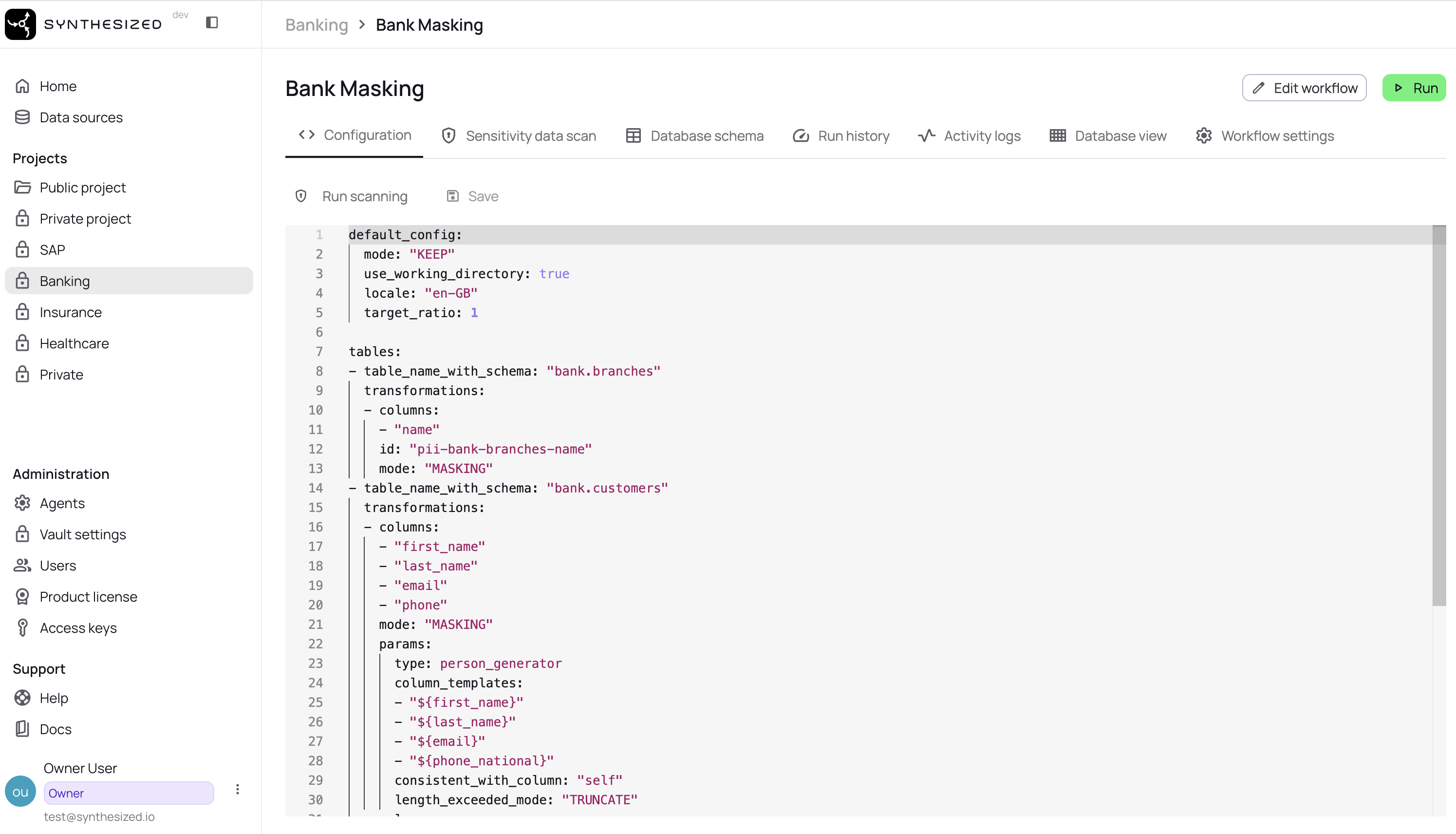
YAML editor
Here you can see the default configuration of data transformation, that can be redefined. You can modify it according to the configuration documentation.
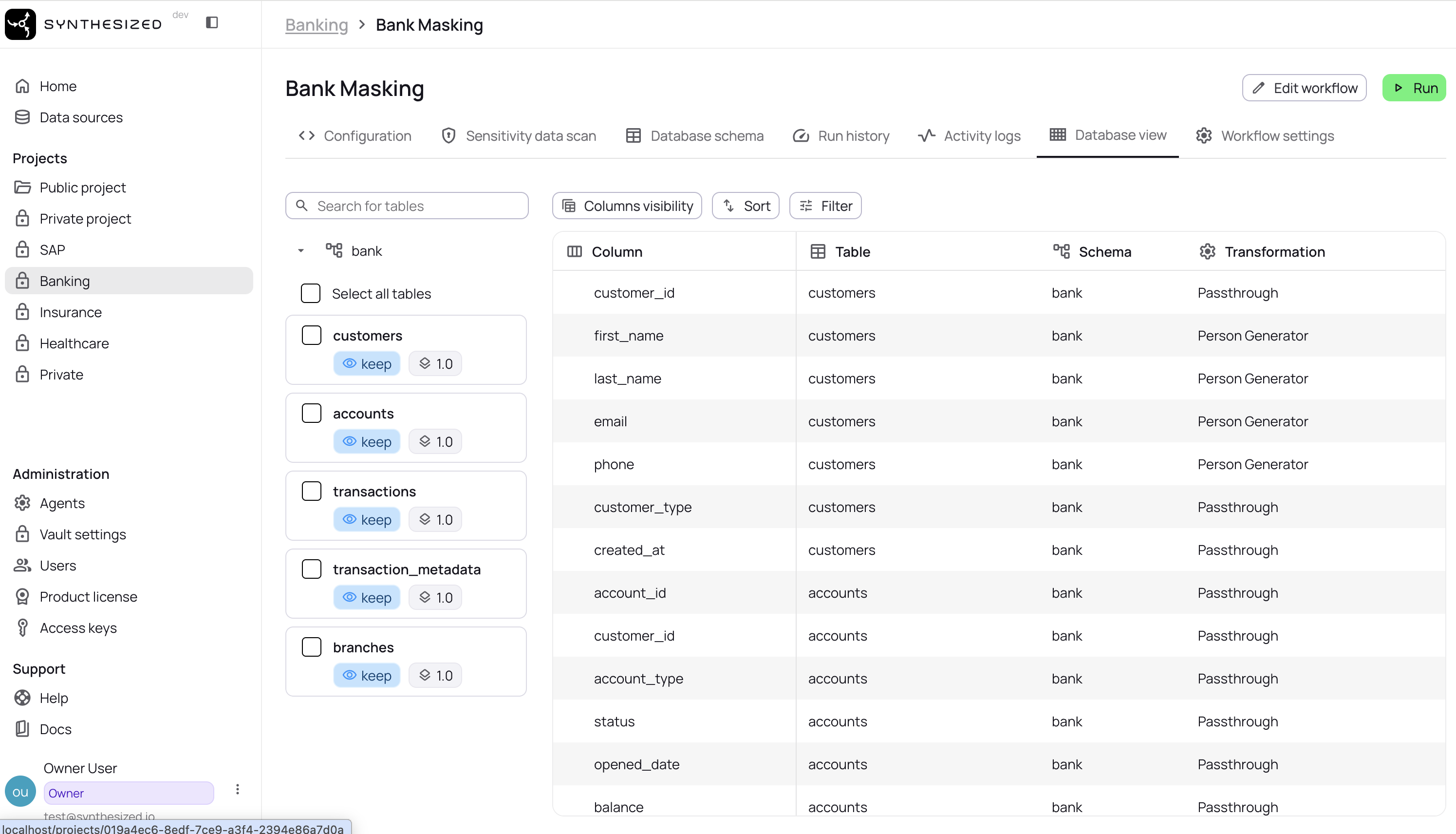
DB view
DB is a visual representation of metadata of the input DB with applied configuration of data transformations. There is a list of tables on the left side of the table, you can navigate through and see columns with applied transformers.
Clicking on the row allows you to view and change the transformer used.
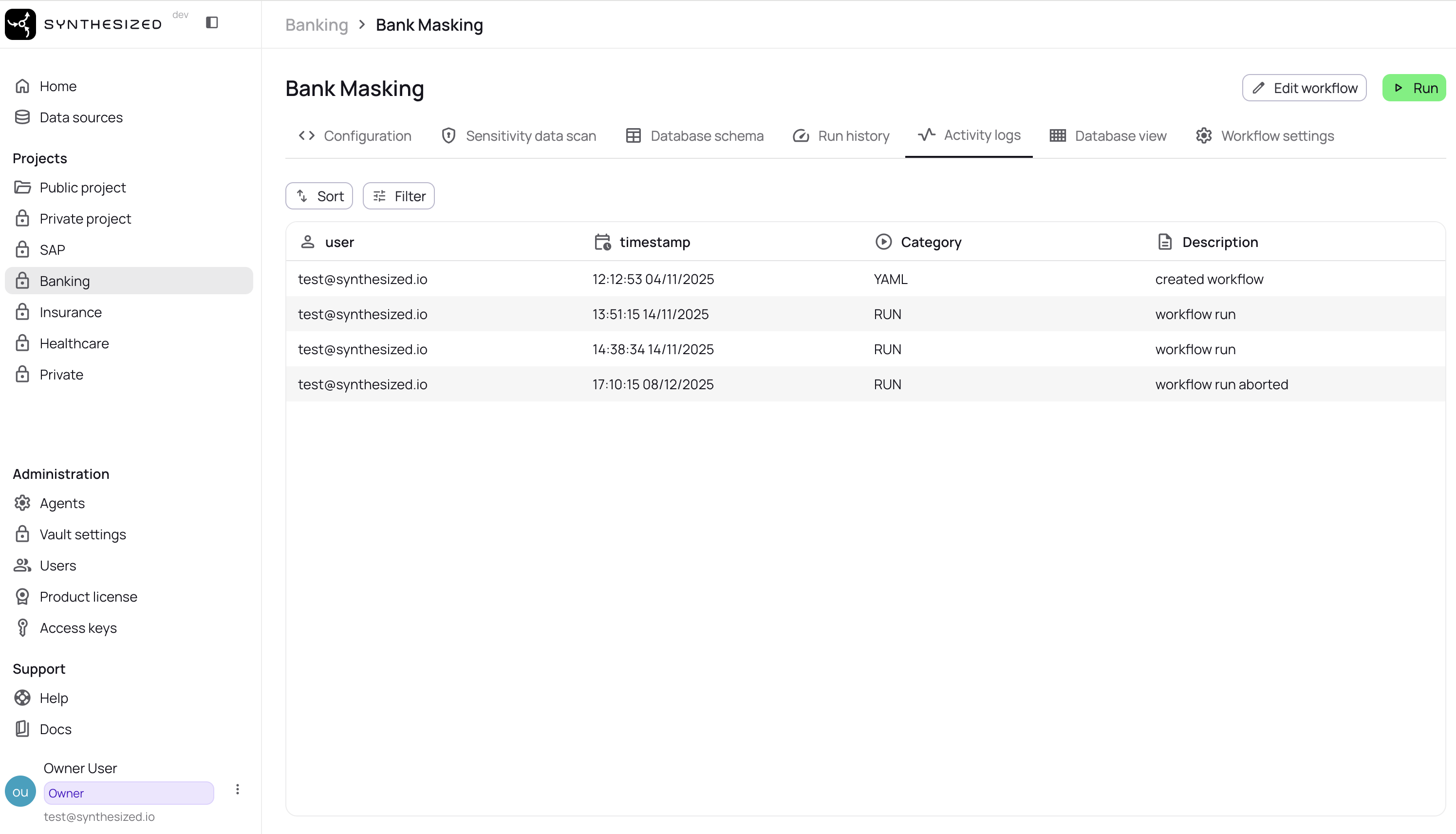
Workflow Creation
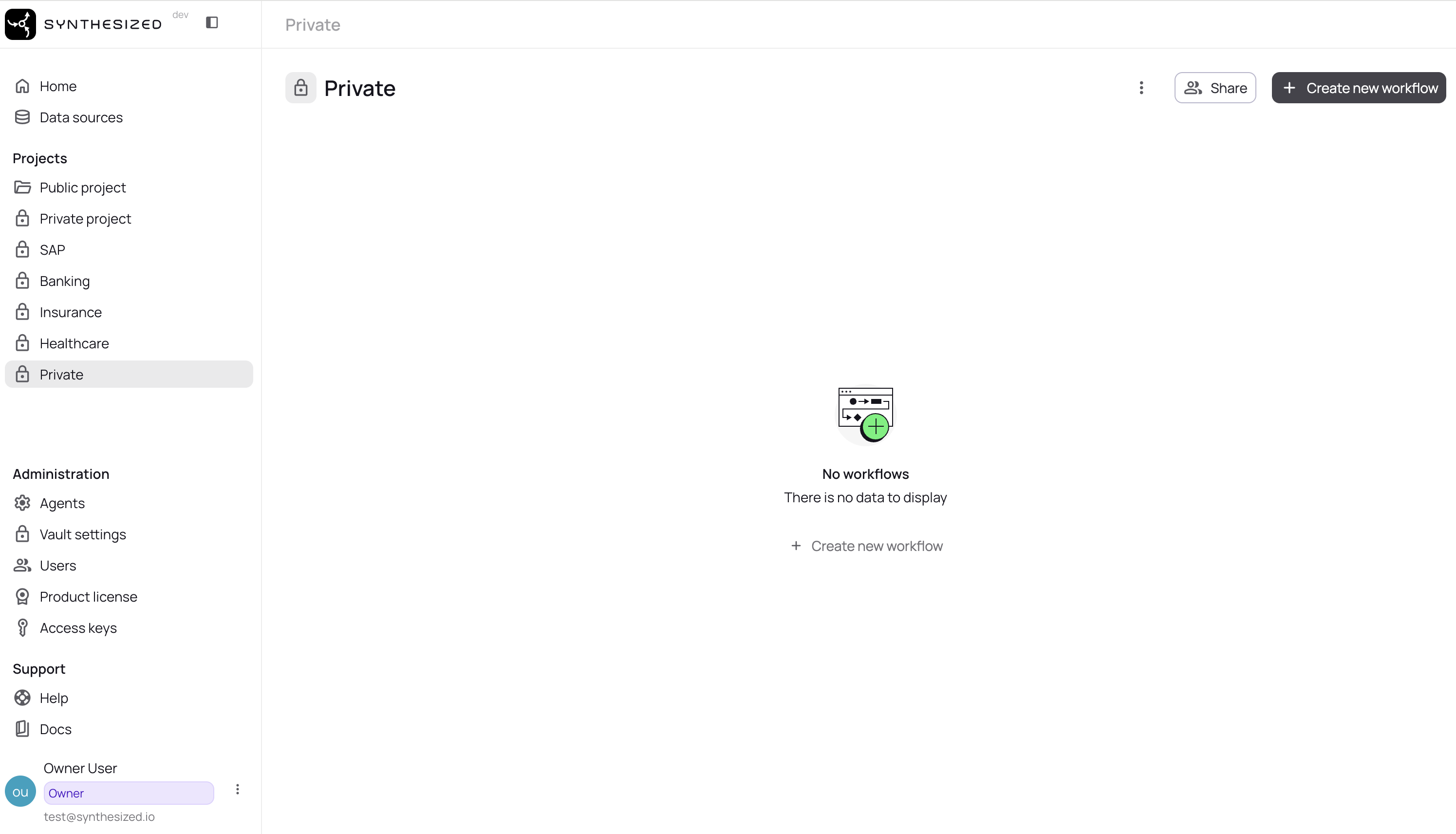
To create a workflow click "New Workflow" in the top right corner of the Workflows page.
Give your workflow a name and choose to create an empty workflow or one of our pre-defined templates
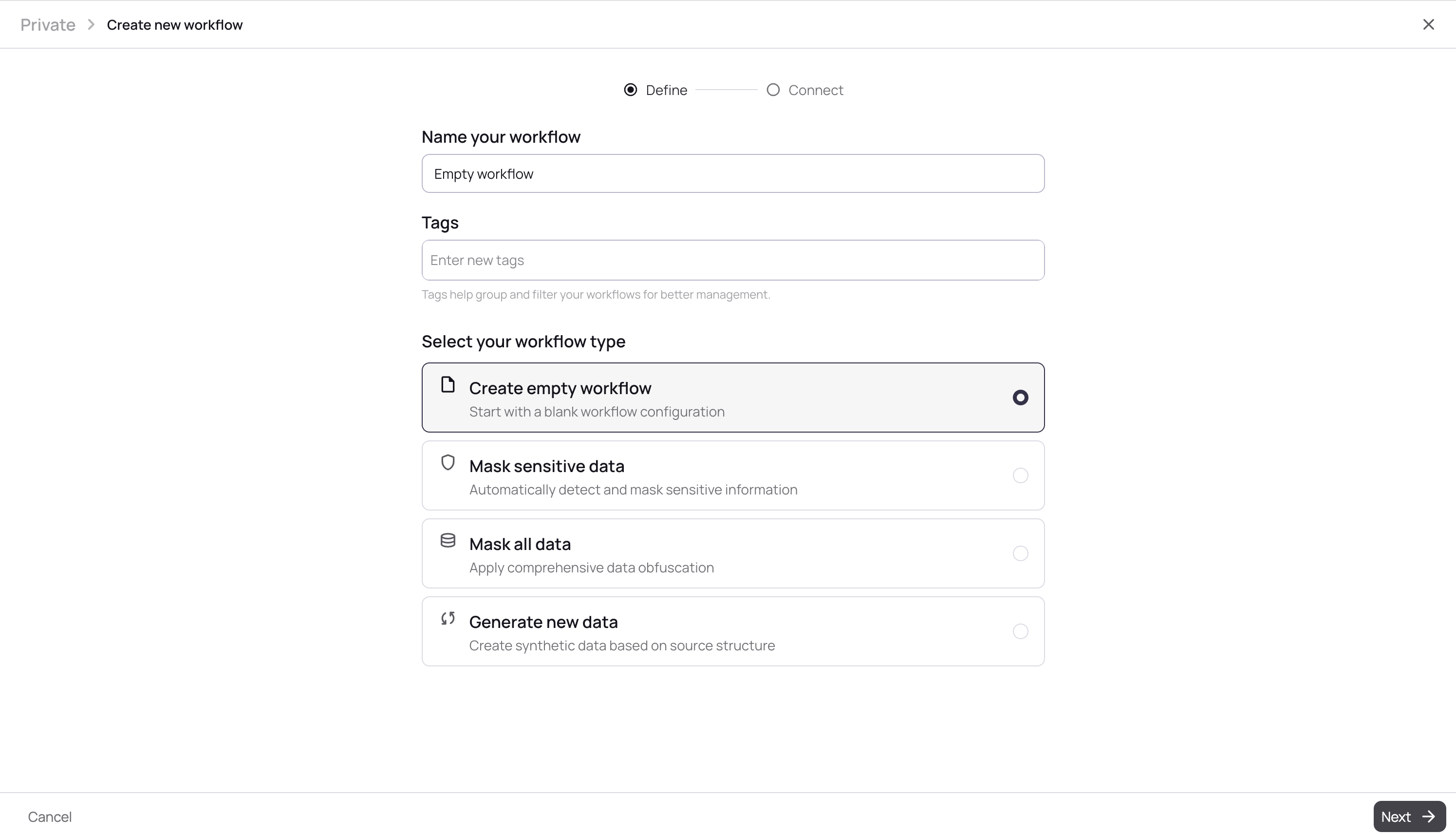
Set input and output DBs. If there are no created data sources yet, you are to press the button "+ Create a new data source", otherwise, select the existing one in the list.
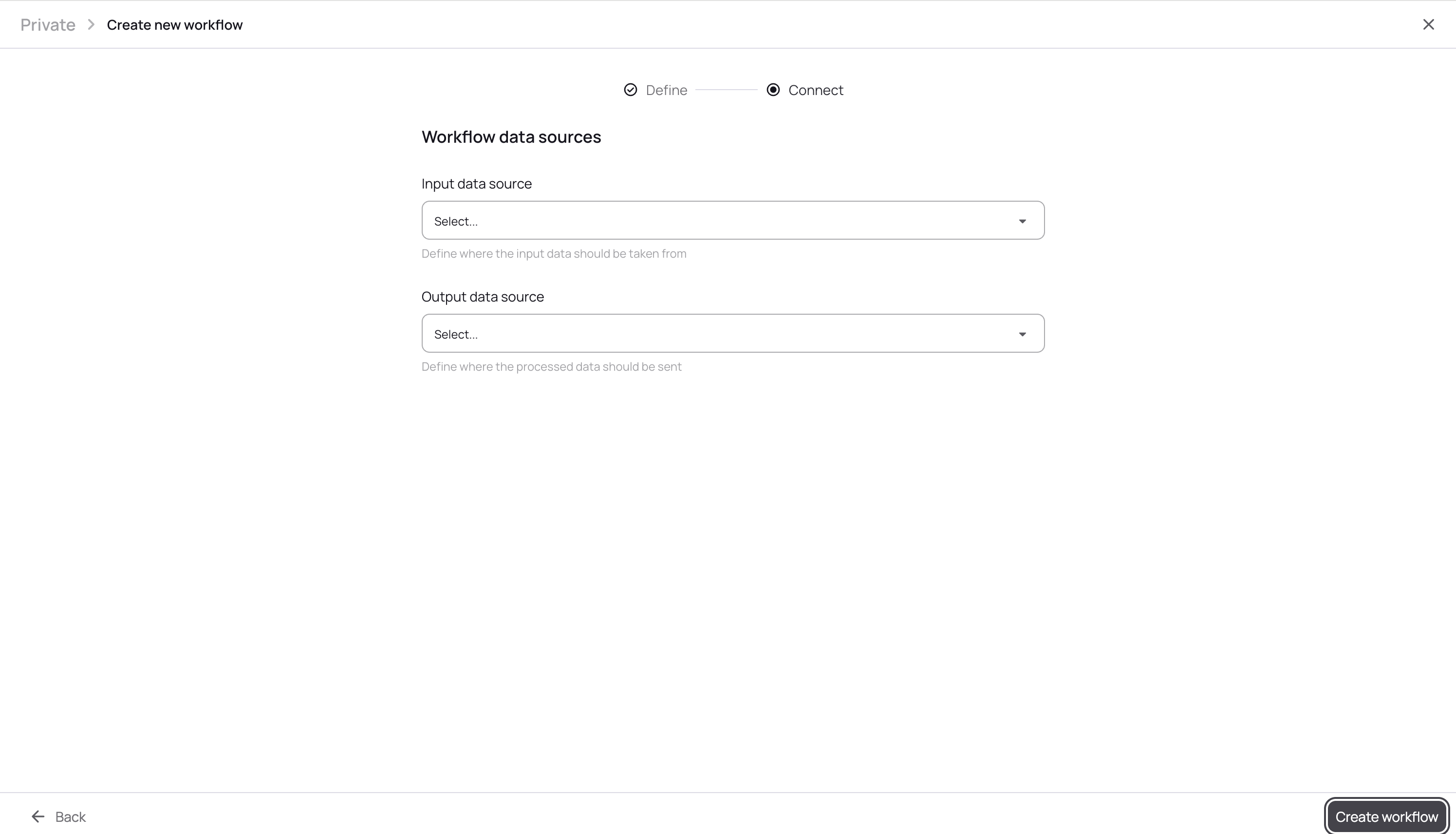
Pay attention: only data sources with read and write permissions are available as output DB (see more in Data sources).
Then change YAML configuration if it’s necessary. The changes are saved on demand.
Workflow Run
Workflow running connects to a database, extract the database model, learn all of the necessary information from the database, and generate a Synthetic copy that will be written to a destination database.
To run workflow click "Run" button.
While the data is being synthesized, you can see its stages and the time spent on each of them.
Then the process is completed you can download a report.