Version History
Review who changed a workflow’s configuration and when, and restore an earlier version.
Overview
Every workflow keeps a history of its configuration changes. Each entry shows who made the change and when. You can restore an earlier version if a change turns out to be wrong. The history stays empty until at least one configuration change has been saved.
Prerequisites
-
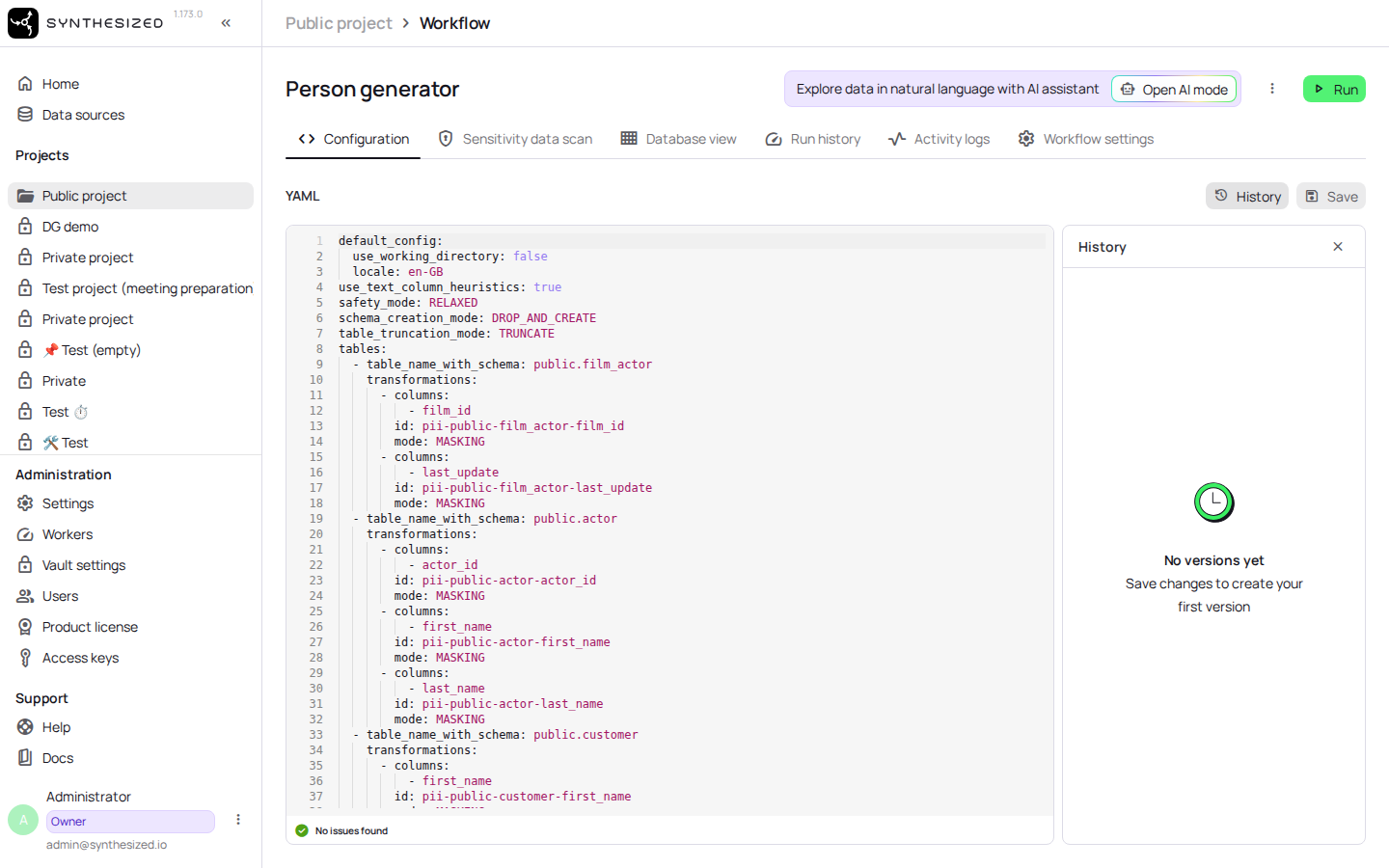
A workflow with at least one saved configuration change. Until a change is saved, the History panel shows No versions yet.
Steps
-
Open the workflow.
-
Open the History panel.
-
Select a version from the list to see who changed it and when.
-
Select Restore on the version you want to bring back.
Confirm success
The workflow’s configuration now matches the version you restored. The save is recorded with the time it happened, both in the version history and in the activity log.
Next steps
See How to Create a Workflow for how a workflow’s configuration is built up in the first place.